Sending Setup is live
We've added a new page, called 'Sending Setup', and a few cool features to make your life easier. Here's what's new:
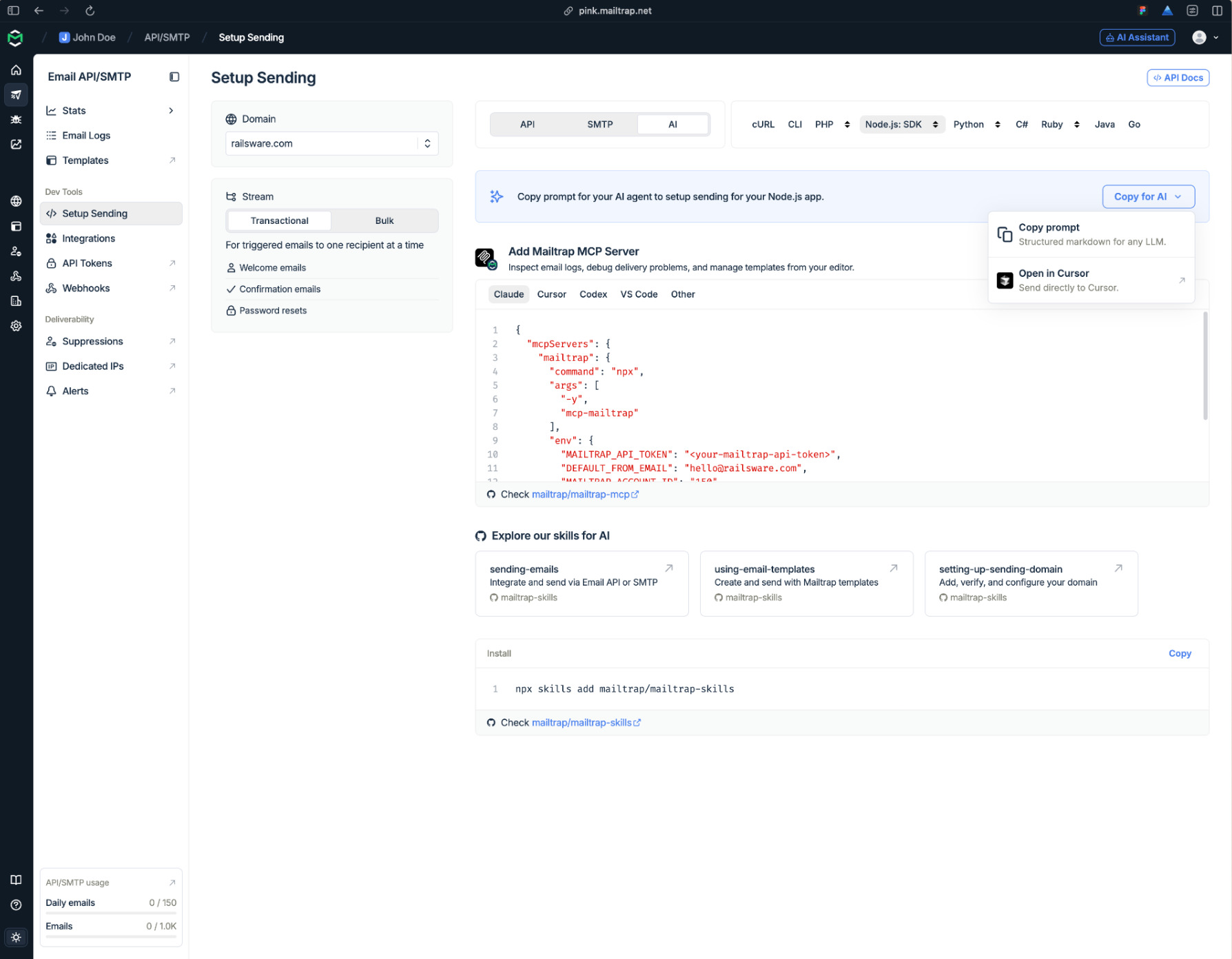
Sending Setup page is more accessible – You can find Sending Setup, which has everything you need to start sending, under Email API/SMTP → Dev Tools.
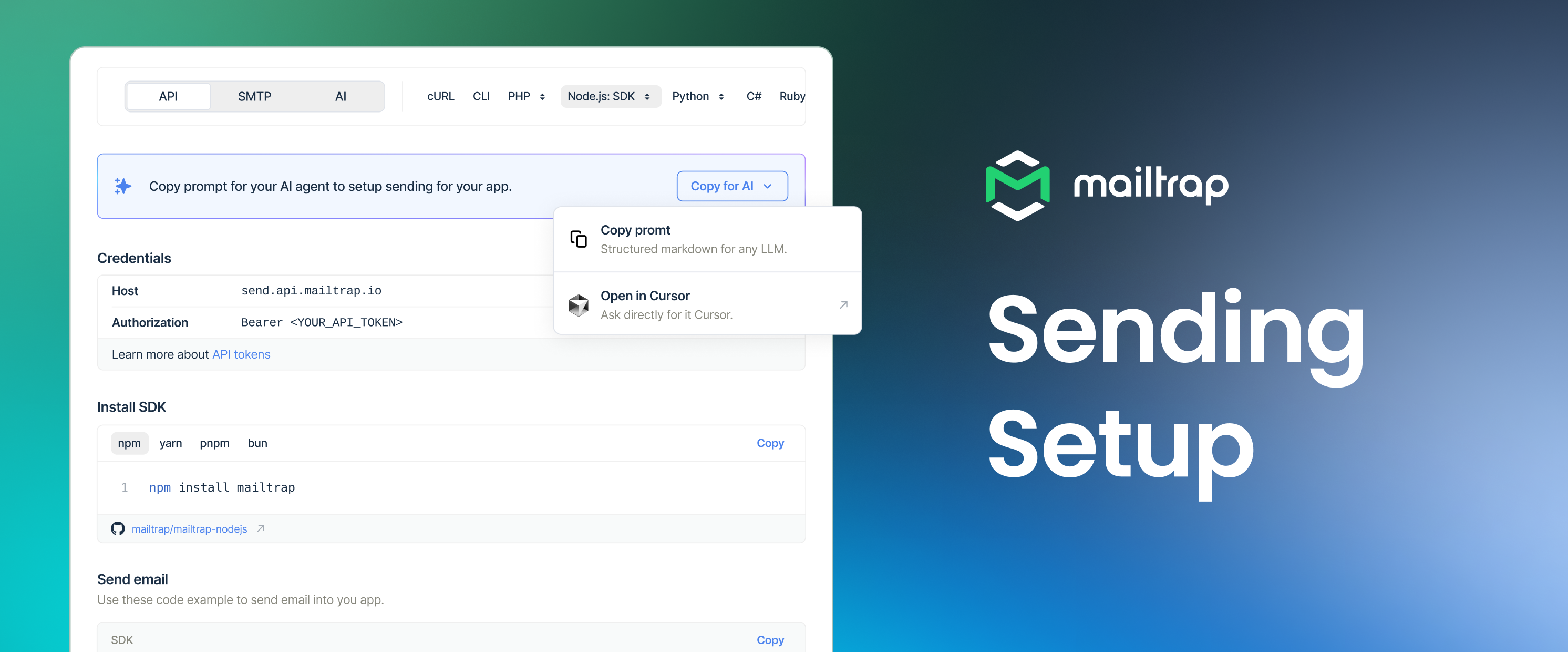
The full developer setup in one flow – Pick your stack, and Mailtrap shows the install command, credentials, and the first sending code example. From the same flow, you can also explore templates and batch sending (with or without templates).
A prompt for your AI agent – Mailtrap builds a prompt from your selected domain, stream, stack, install command, and code sample. Copy it into your AI agent and easily integrate Mailtrap with your project.
A dedicated AI tab for agentic setup – The AI tab brings together the Mailtrap MCP server, Mailtrap skills, and a full prompt to set up sending. You can use it to prepare your agent to inspect logs, debug delivery, manage templates, and guide setup work.