Inbound Auto-Forwarding rules
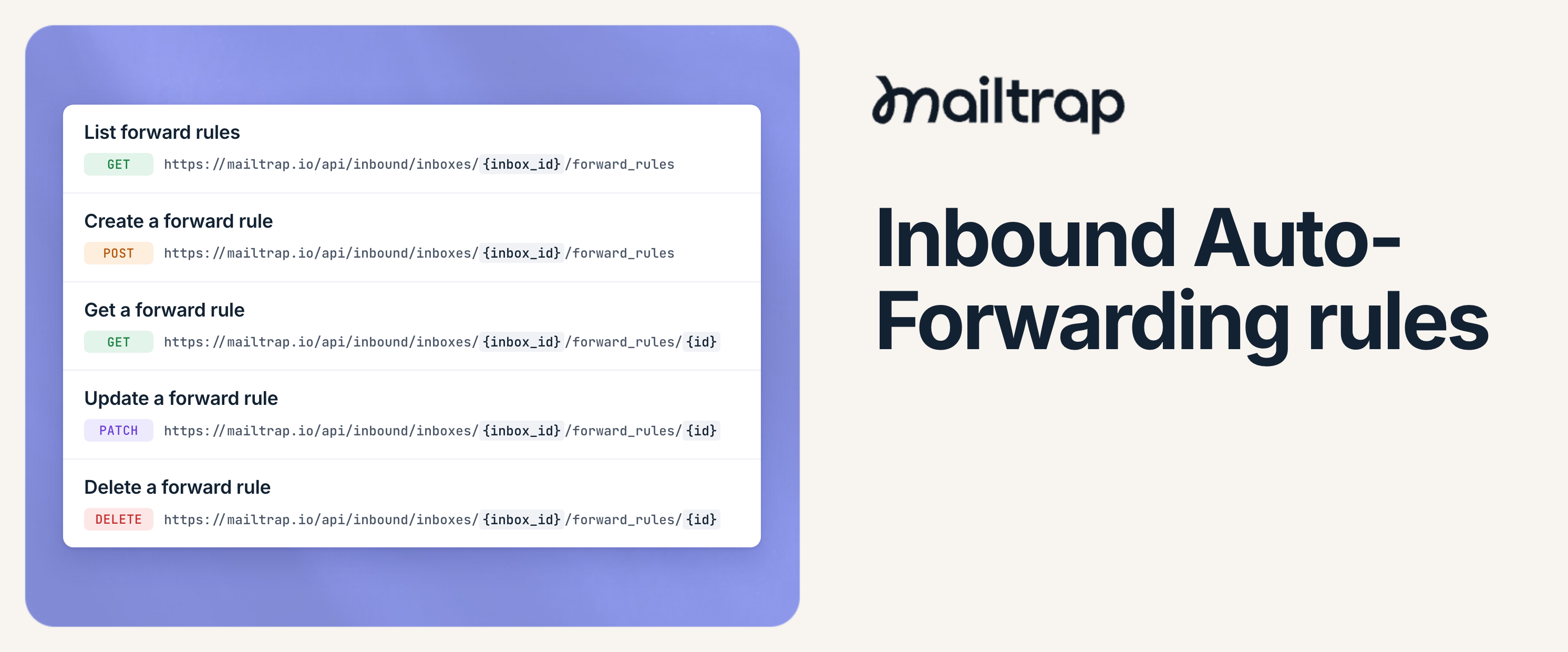
You can now configure Mailtrap Inbound inboxes to automatically forward incoming emails to one or more addresses based on the rules you set.
With Inbound Auto-Forwarding rules, you can route emails to the right team based on who they’re from, feed your existing tools like a helpdesk, or send specific vendor emails to procurement, all while your app or agent keeps working with the full conversation thread.
How it works: Each rule matches emails on the sender, the recipient, or any header, and forwards them to up to 5 addresses. Once a rule is set up, forwarding runs on its own, with no code to maintain or server to run.
Endpoints:
Create rules with
POST /api/inbound/inboxes/{inbox_id}/forward_rulesList, update, and delete them with
GET,PATCH, andDELETE /api/inbound/inboxes/{inbox_id}/forward_rules/{id}
For more information, see the dedicated Knowledge Base article or the API documentation.