Email Sandbox for Salesforce
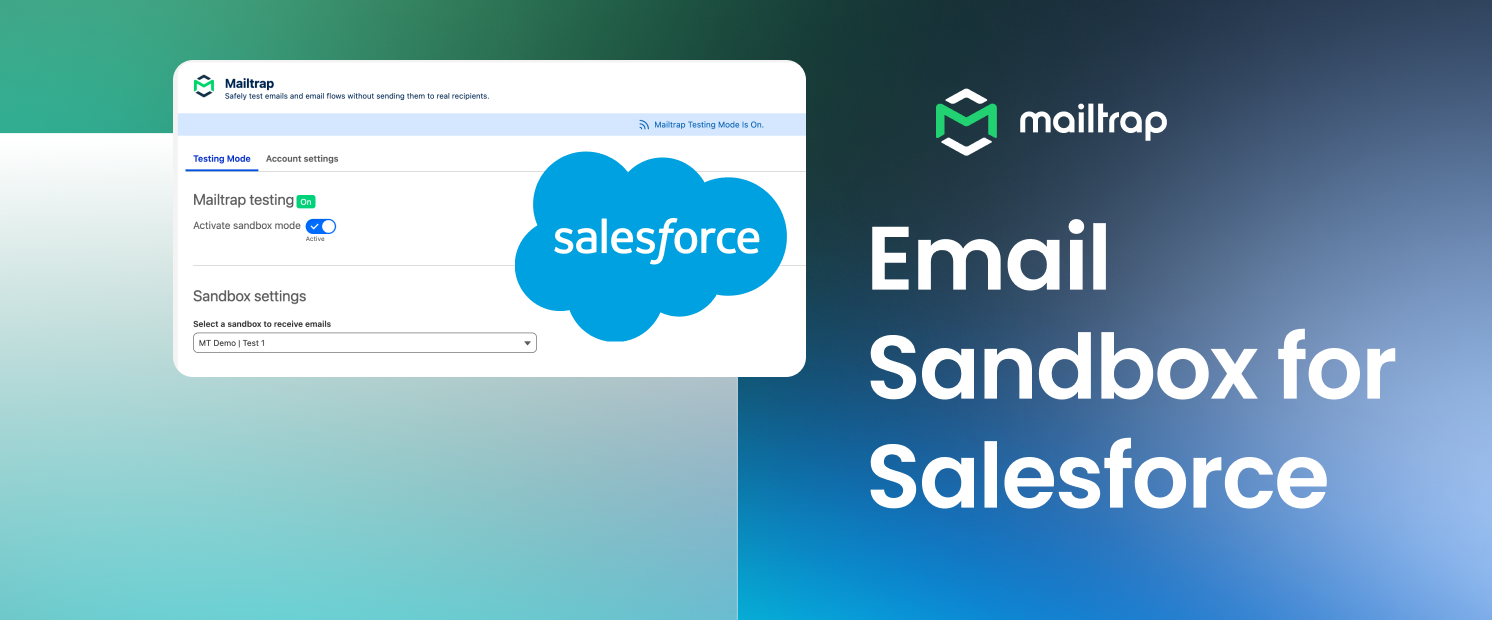
Mailtrap Email Sandbox is now available on Salesforce AgentExchange. Turn on Testing Mode, and every email your org generates lands in a Mailtrap sandbox instead of Contacts' or Leads' inboxes. No more fake email addresses to create and clean up, and no chance a test reaches a live customer.
How it works: Install the package from AgentExchange, connect it to your Mailtrap account with an API token, and pick the sandbox you want emails to land in. Flip Testing Mode on, and your org's outbound emails are diverted to Email Sandbox.
What you can do with it:
Test without sending to a real person – Everything is diverted to your Mailtrap sandbox, so you can stop hunting for a Contact record that isn't a real customer.
Test against real production data – Sandboxes can be created as mirrors of prod instances, so things like Merge fields resolve against real records.
See the whole email – Salesforce's own Email Log Files give you metadata only, with no body and no rendering. With Mailtrap's Email Sandbox, you can inspect HTML and plain text, headers, attachments, and spam score.
Iterate as fast as you want – Send, check, tweak, resend. Pricing is per user rather than per email, so ten test sends and ten thousand cost the same.
Two fields to configure – Once you're done with the initial setup, your users can simply toggle Email Sandbox on with two clicks.
Note: Works with Sales Cloud, Service Cloud, Experience Cloud, and platform email, including Flow, Apex, and templates. It does not cover Marketing Cloud.
For a step-by-step guide on how to install the add-on, read the official Knowledge Base article.