Drag & Drop editor: Video, Timer and Audit
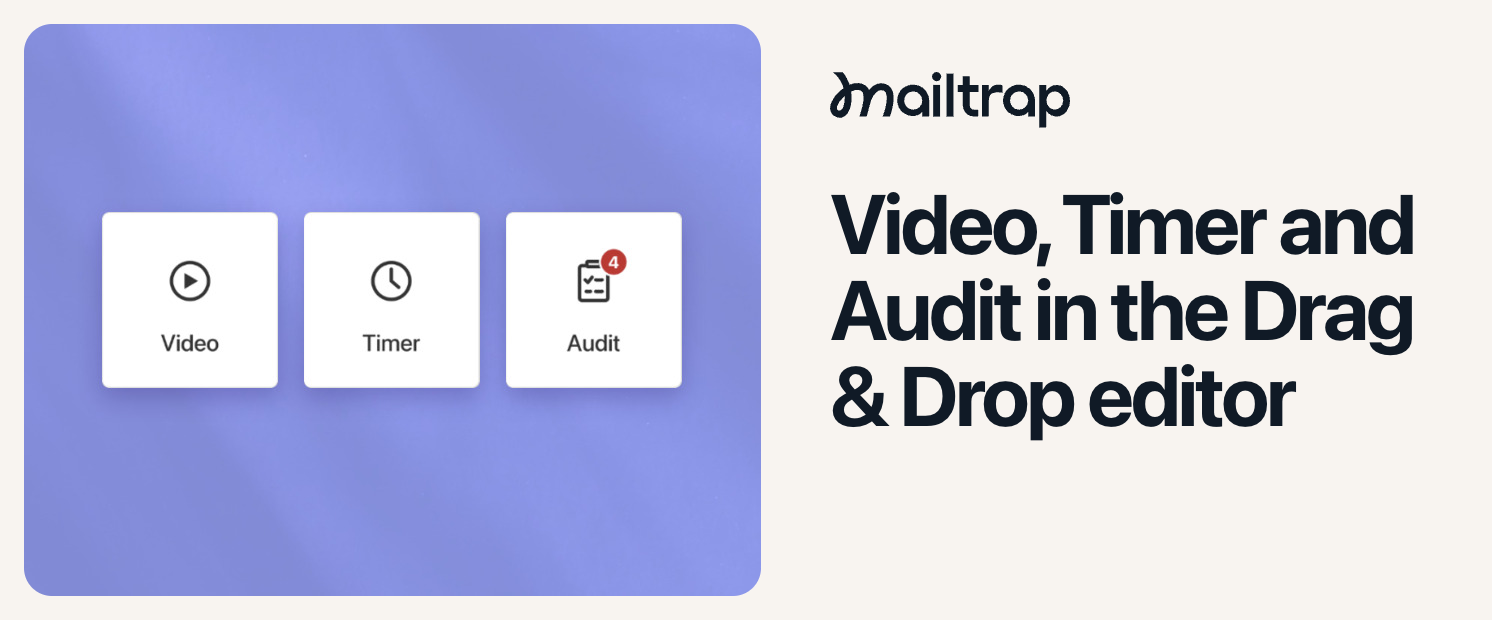
The Drag & Drop editor now has three new tools:
Video block – Paste a YouTube or Vimeo link, and Mailtrap automatically creates a preview image with a play button. Link it to the video or another URL, then customize the play icon’s type, color, and size. This way, you can add product demos to launch and feature announcements.
Timer block – Add a countdown without a third-party service or custom HTML. Choose an end time and timezone, then customize the labels, colors, and fonts. The animated timer shows the remaining time whenever the email is opened and displays zeros after the deadline. Use it to count down to a webinar or create urgency before a Black Friday offer ends.
Audit tab – Open the Audit tab in the right sidebar to check your design for missing alt text and missing alt text, image URLs, and button links. A red counter shows how many issues were found, and clicking one takes you directly to the affected block, so you can fix problems before sending the email.
The three new features are available on all plans for Email Marketing campaigns and automations, as well as Live Sending templates, so feel free to try them out!