Device Previews
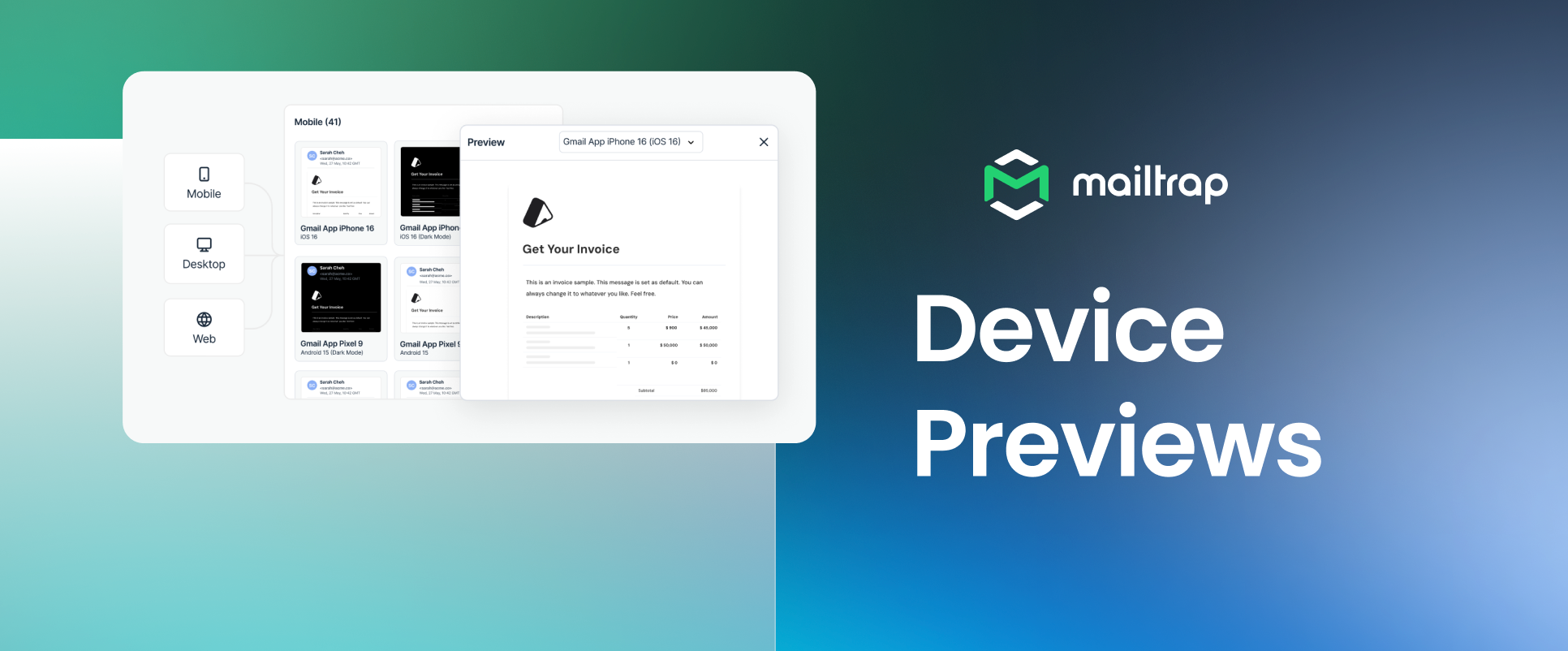
Mailtrap can now render captured HTML emails across a catalog of real email clients and devices, so you can see exactly how your HTML will look before it ever reaches a real inbox.
How it works: Capture an email in Sandbox, then open it in Device Previews and select the clients you want to test against. Mailtrap then generates one screenshot per selected configuration (Gmail, Outlook, Apple Mail, and a mix of mobile, desktop, and web setups).
What you can do with Device Previews
See how each client renders your email – Get a screenshot per selected configuration, so you're comparing the actual rendered output, not guessing from a single preview.
Check light and dark modes – Compare available light- and dark-mode variants side by side to catch unexpected changes to colors, backgrounds, logos, icons, and CTAs.
Catch client-specific layout issues – Check stacking, spacing, font, image, button, background, and text-wrapping problems before sending the email to recipients.
Focus each test on relevant clients – Choose from 100+ configurations and only test the ones relevant to your audience and your email.
Test Templates, Campaigns, and Automation emails – Use Send Test to capture any Template, Campaign, or Automation email in Sandbox, then open it directly in Device Previews.
For more details, please check out our official Knowledge Base article.